
A recent windows update may have enabled a new windows 11 feature called Smart App Control. When enabled you may not be able to access your remote apps and you will be presented with the following error:
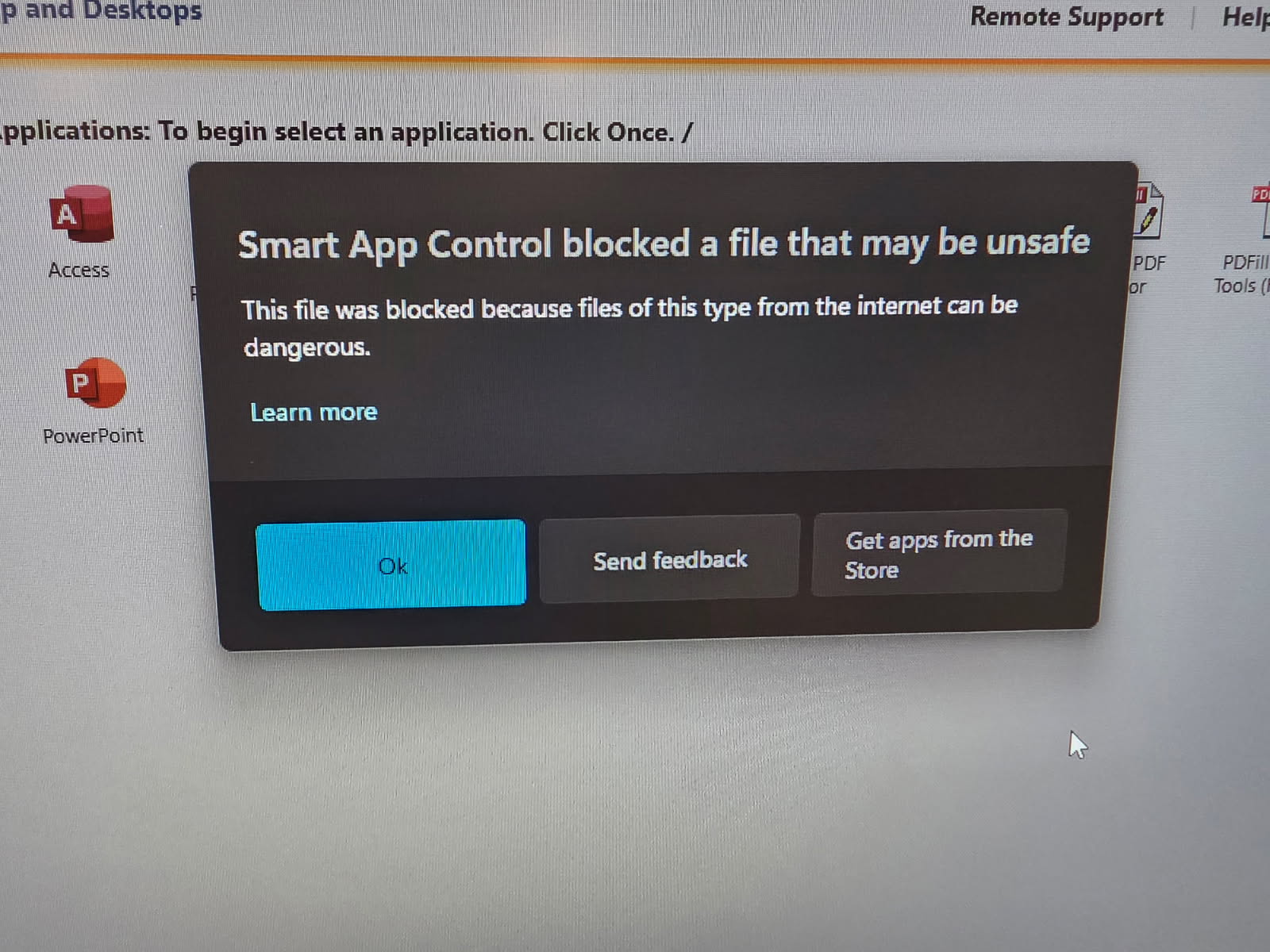
To disable it, do the following:
- In windows 11 settings, go to Windows Security > App and browser control > Smart App Control settings
- Select Off
- Close Edge, and then login to showmyoffice again.