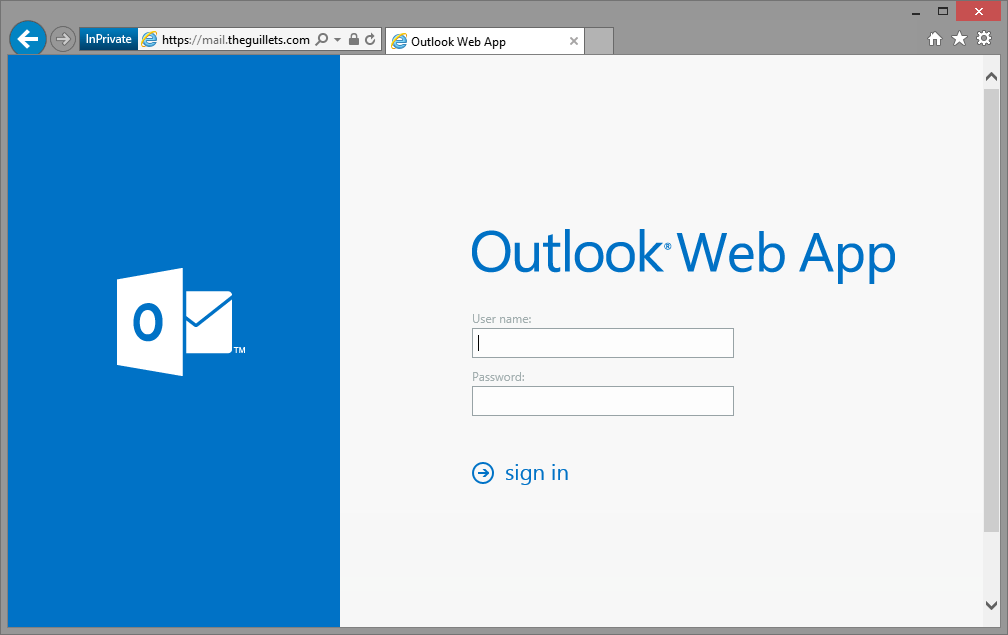
- Sign into your email account
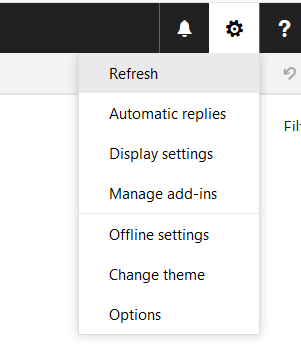
- Click Settings and then Display Settings
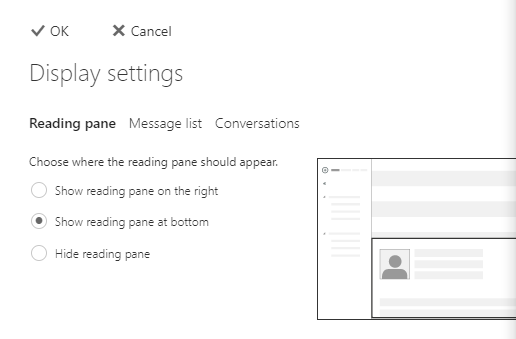
- Under Reading Pane, select Show Reading Pane at Bottom and click OK
- Return to your inbox
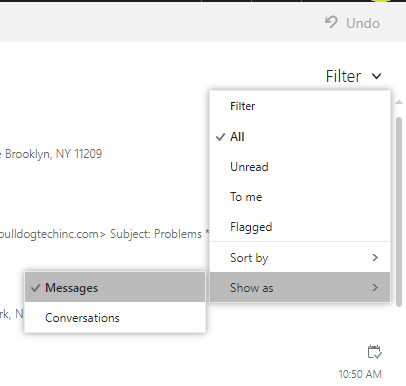
- Select Filter > View as > and select Messages. Conversation view is now off.

How Can We Help You Today?