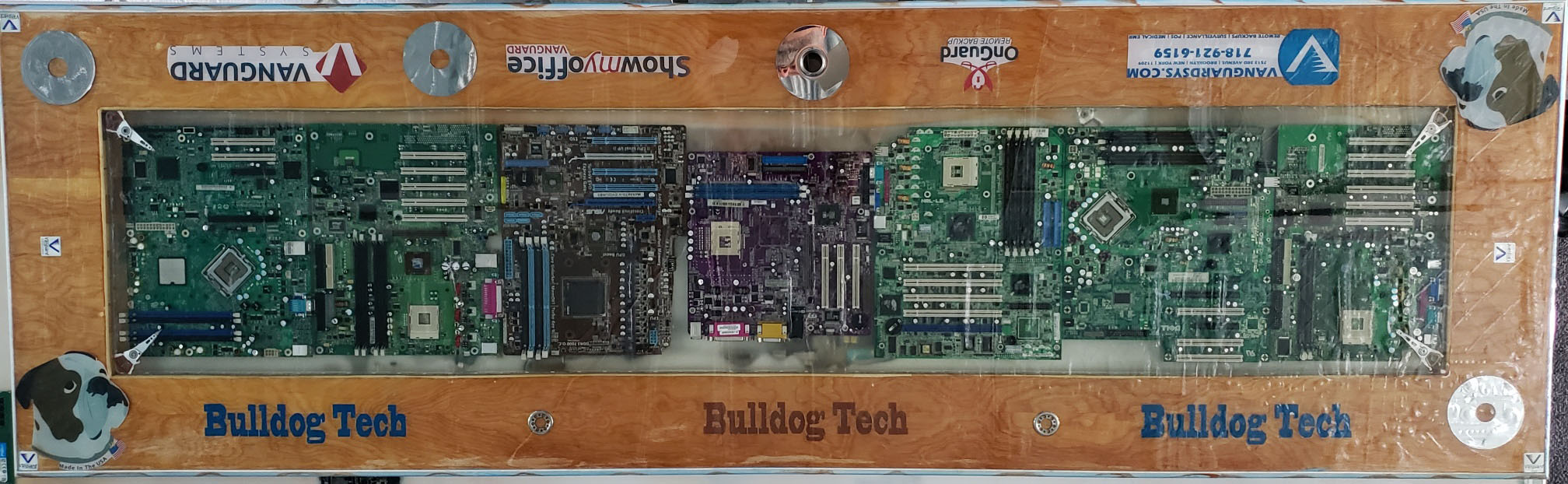
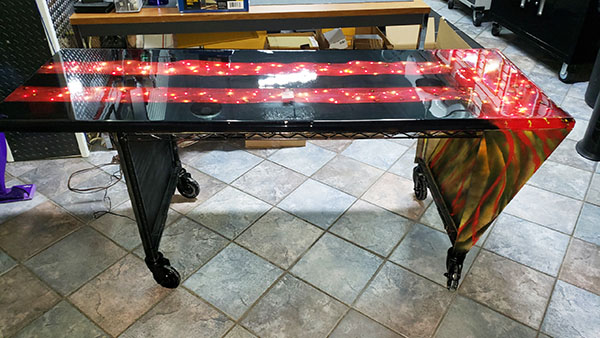
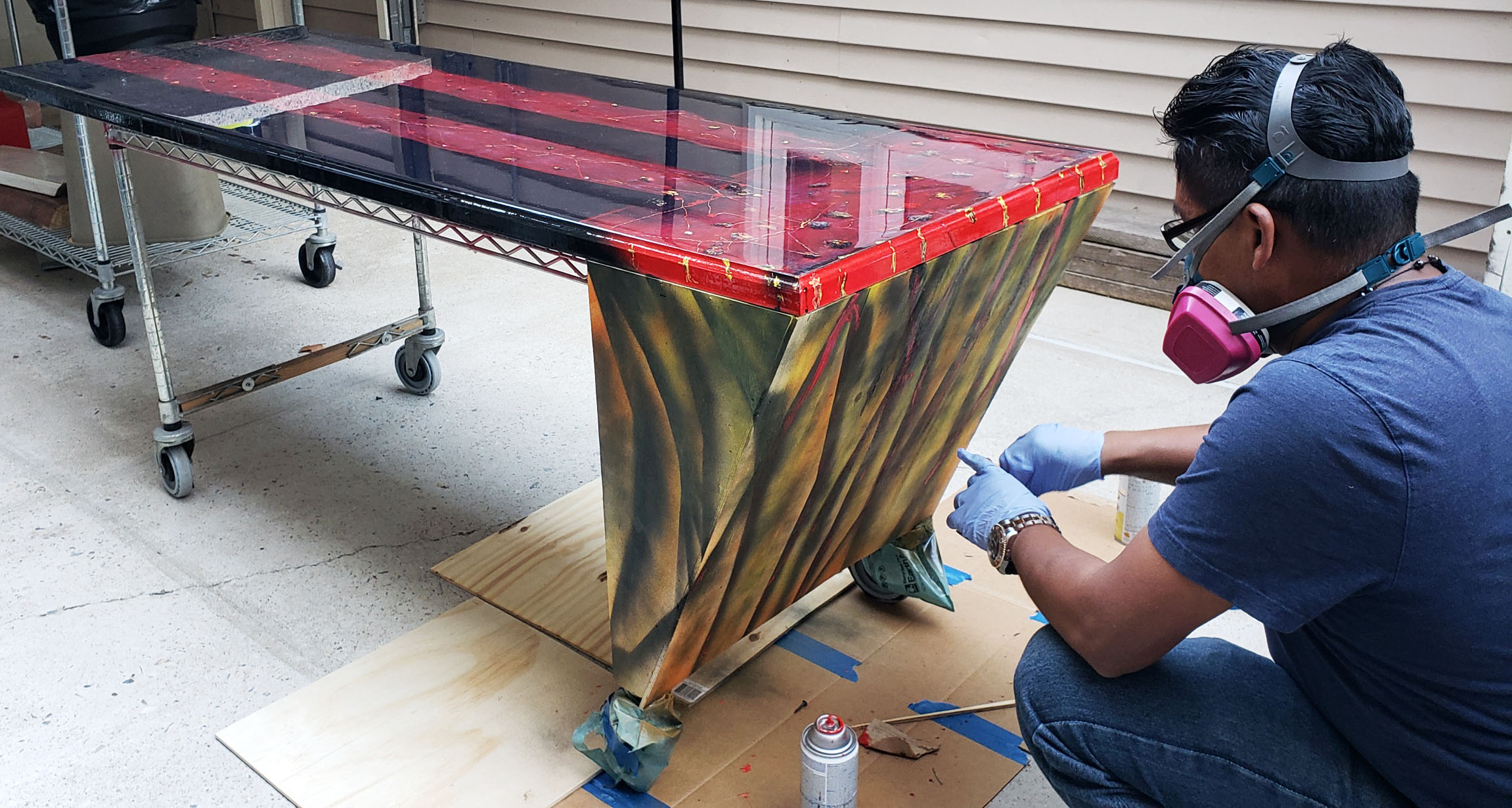
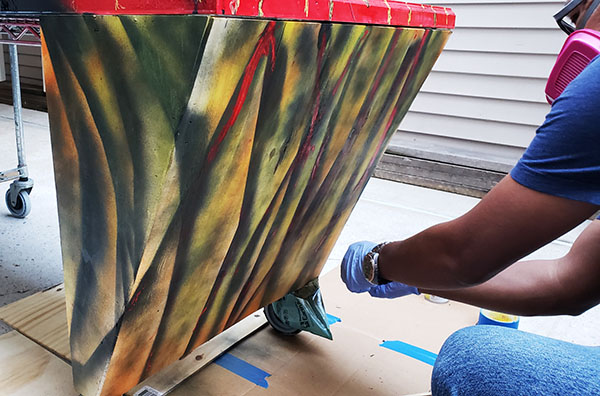
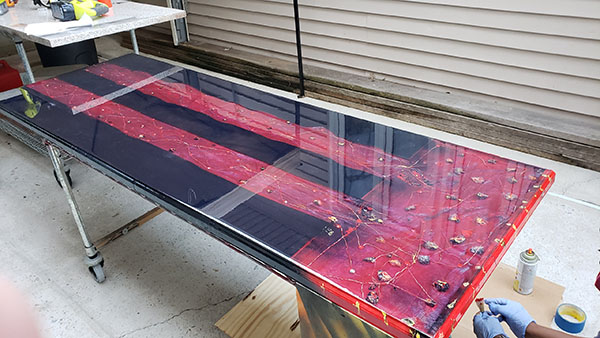
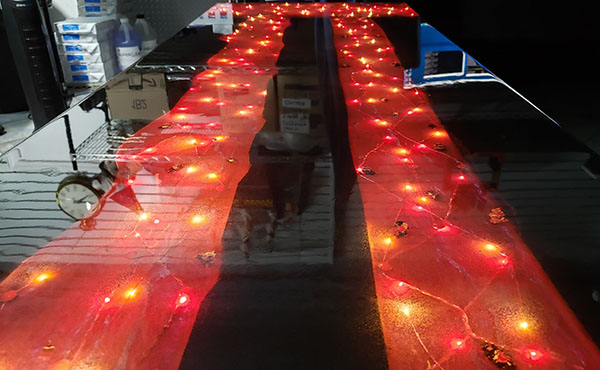
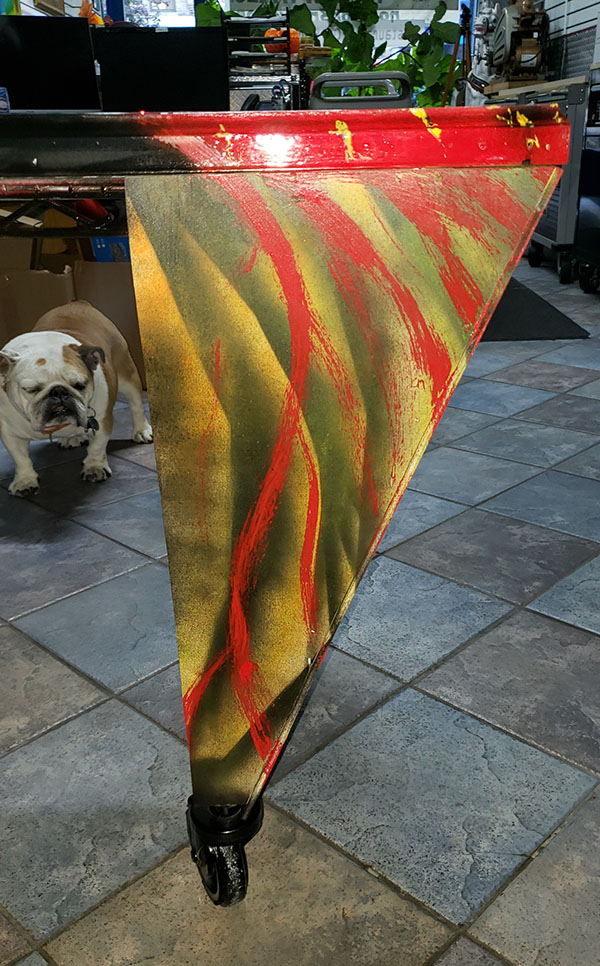
Our new Epoxy table created with old motherboards, hard drives, lights and a history our our company. Created entirely in-house using a solid core closet door and molding for the sides. Last step is to polish to a mirror shine.
Epoxy “Lava” Table









How Can We Help You Today?
Our new Epoxy table created with old motherboards, hard drives, lights and a history our our company. Created entirely in-house using a solid core closet door and molding for the sides. Last step is to polish to a mirror shine.
Epoxy “Lava” Table
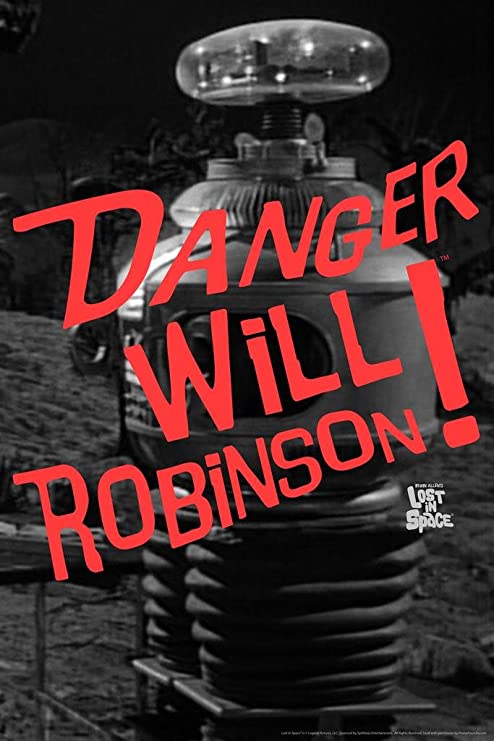
Be wary of opening emails from DHL, UPS, USPS, FEDEX, Quickbooks and ones stating invoice attached! Several clients opened emails and got immediately INFECTED! Be VERY careful of emails with attachments.
There has been a large influx of spam messages during this time and in some cases these emails are making it through the spam firewall. If you suspect an email is not legitimate, delete it immediately.
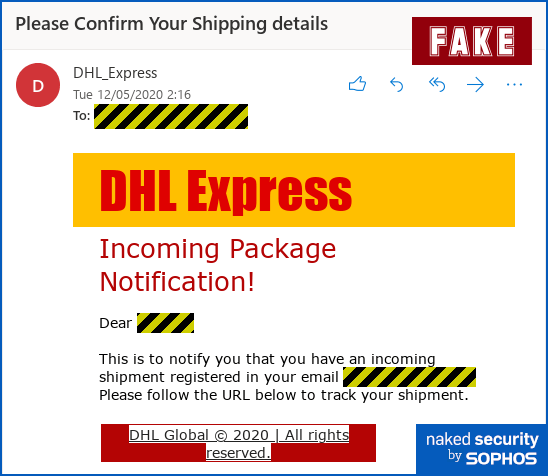
A DHL email scam is also going around trying to steal your personal informatics.
Delivery scams often entice you by telling you what cool “item” is on its way, such as a mobile phone that someone is sending you as a gift SEE BELOW
If you get infected with a payload virus it can quickly migrate to your backups and destroy any chance of data recovery – if you are unsure of an email contact us!
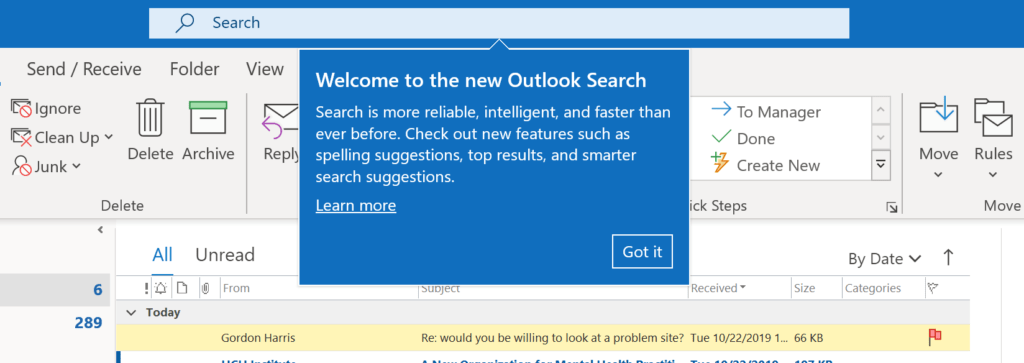
Outlook 365 for Windows is getting a new Search bar which combines many existing search and other options right on top of the title bar.
It’s now available to Office 365 Insiders and will gradually roll out to other Office 365 .
Outlook Search is hard to miss, it’s right on top of the title bar, above the ribbon.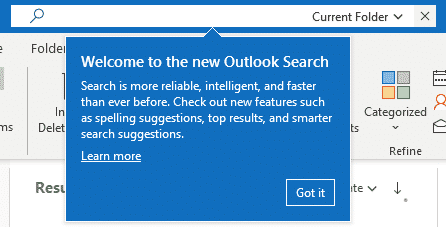
Type in a search and press enter, it’ll appear in the list just as it does now.
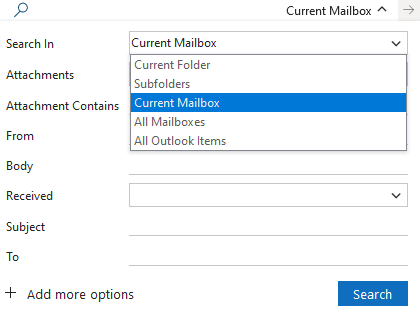
Click on the down arrow to show more search options. All these choices have been available for some time, but are clearer in this view than the Search ribbon.
In some instances the update causes searches to fail. If you are experiencing this issue you will need to rebuild your search index.
Open Outlook
Go to File > Options > Search > Indexing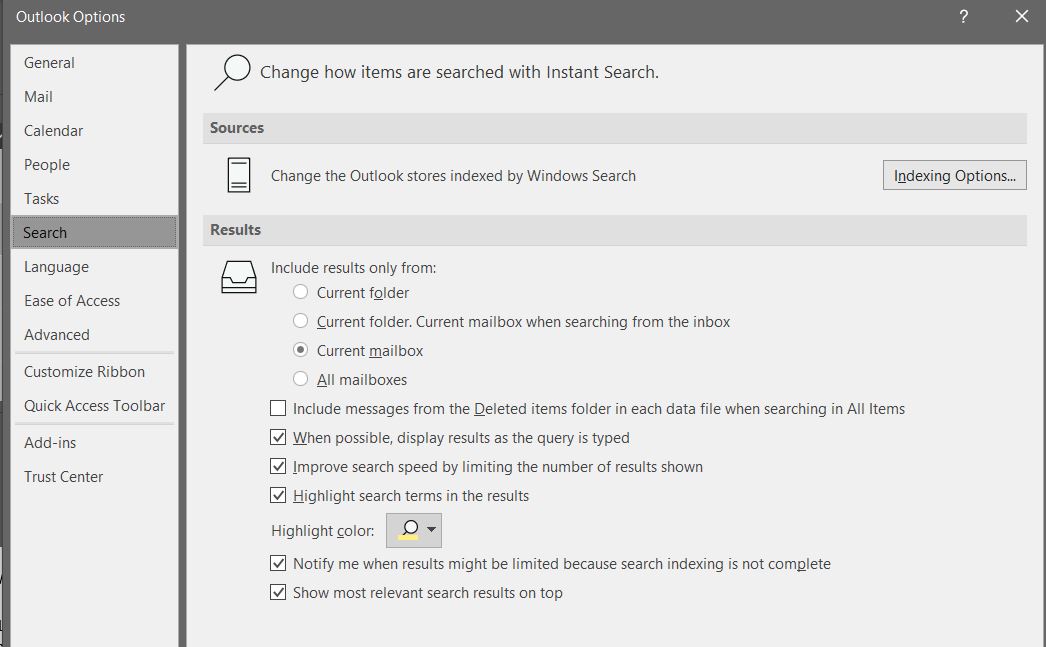
Click Advanced > and click Rebuild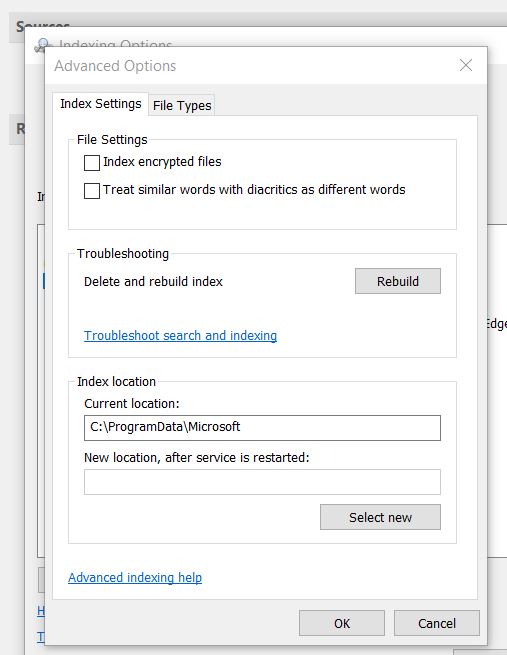
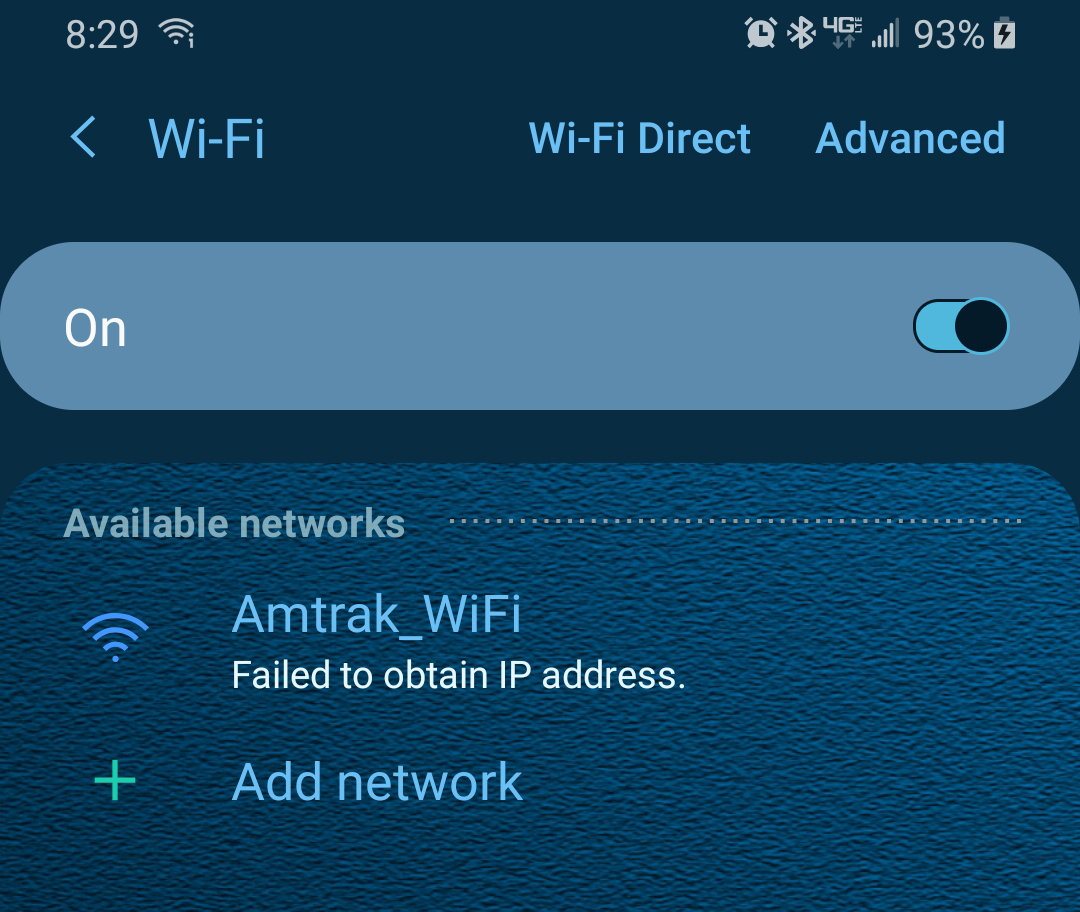
I took a trip up to Albany this weekend. I decided to try using the wifi provided by the train, and found that it’s hardly reliable. Assuming of course your able to actually connect, mine failed for about 20 minutes trying to obtain an IP Address from the train’s router, the connection is slow at best. It’s only meant for basic internet use.
Once you accept the terms and continue, granting you access to the wireless network, your shown a brief message stating streaming services will NOT work. I of course wanted to test this.
Does Not Work:
Netflix
Hulu
Disney Plus
Youtube
Vimeo
Pandora
Facebook Watch
Remote Desktop/ShowMyOffice
Citrix
VPN Software
Security Cameras
Works:
E-Mail/Websites
Facebook Feed
Instagram (Posting images did not work)
File Downloads (Slow but eventually completes)
I did some digging and found an article on Amtraks website. They state in their blog “The golden rule of Amtrak WIFI is it supports general web browsing.”
Virtual Office customers may notice ShowMyOffice does not connect. I did a network scan and found they only allow port 80/443 inbound and outbound. Makes sense for basic internet browsing. Most of the service ports appeared to be blocked, hence why the streaming services do not work. I noticed the person next to me was on a remote session and I asked him, how do you connect to your office? He said “oh, my company provides a hotspot for travel, the WIFI on-board isn’t the greatest.” I laughed.
With the holidays coming up and most of us traveling home to see relatives, we recommend you download anything important you’d need to access, or email yourself any important files. Bringing your own hotspot may be the best choice, just be aware that cellular signal between Penn Station and the northern most tip of Manhattan is spotty. The train is underground for most of this stretch. Once you reach The Bronx however, 5G service is pretty reliable.
Some users of our virtual cloud are receiving an activation error message today. We\’re found an intermittent issue reaching Microsoft\’s activation servers and are working to get this resolved shortly. We\’re asking everyone affected to simply log out and log back in again. Once fully resolved you will no longer see the message.