Navigating the main toolbar in Outlook on the web
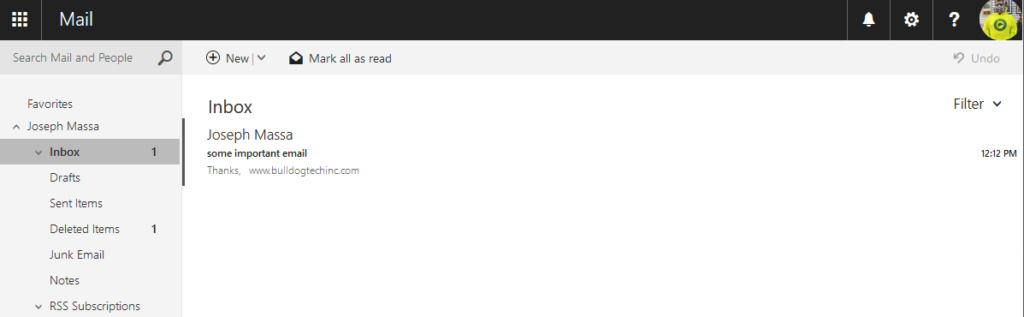
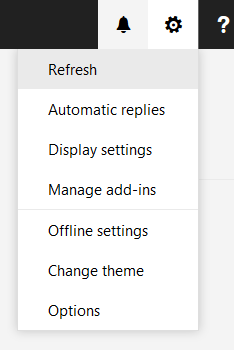
- New: Creates a new email message
- Mark All As Read: marks all messages in the folder as read
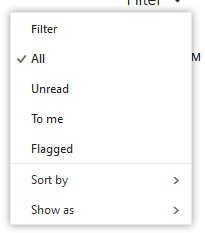
- Filter: change the message view by date, flagged, etc
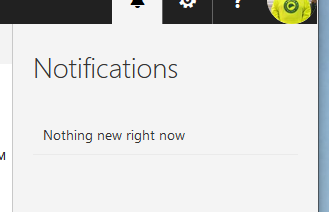
- Notifications
- Settings

How Can We Help You Today?
Navigating the main toolbar in Outlook on the web
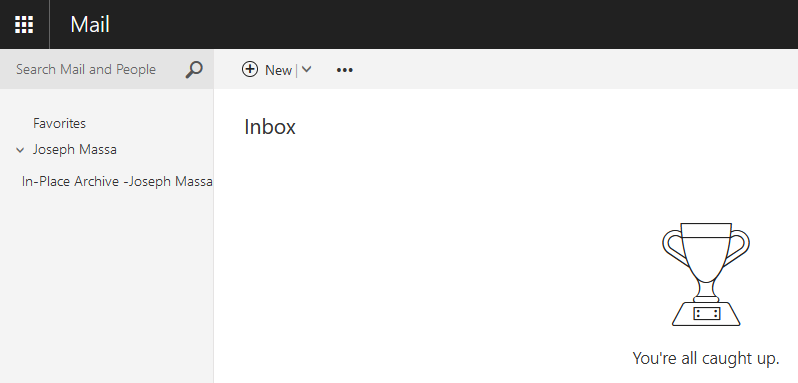
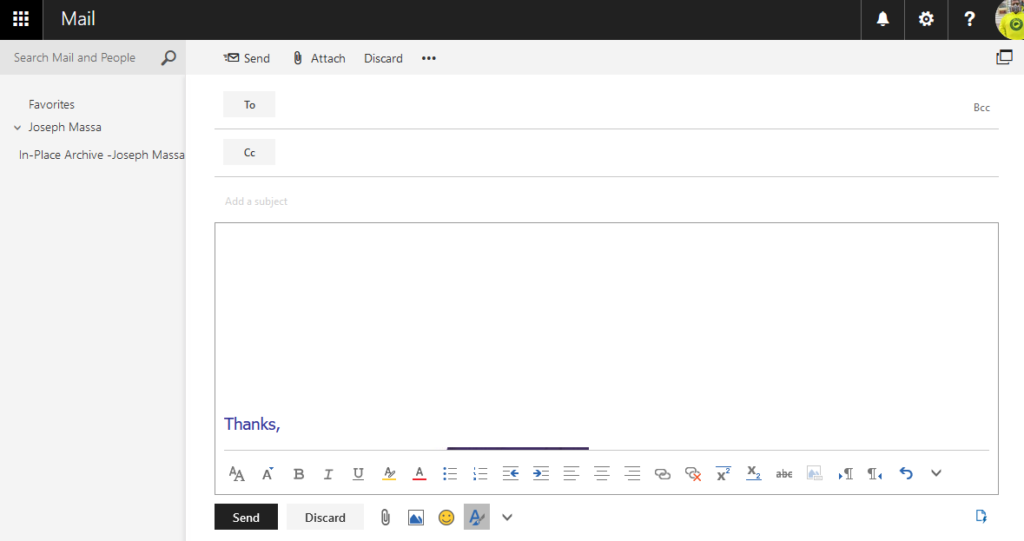

Using the Options Tab and Changing Calendar Views:
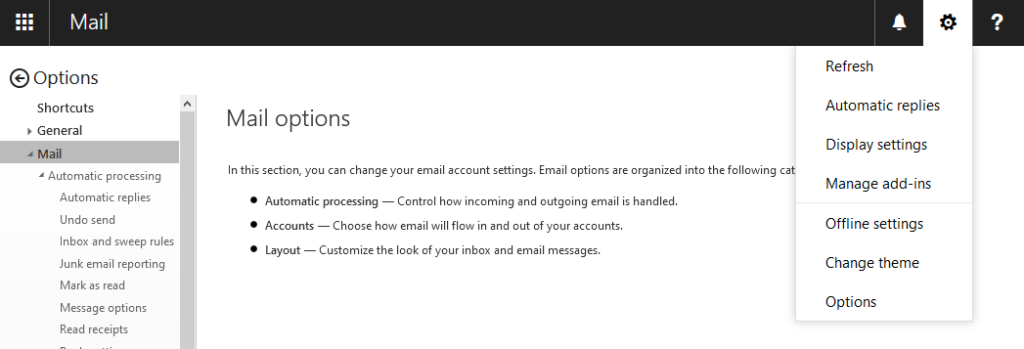
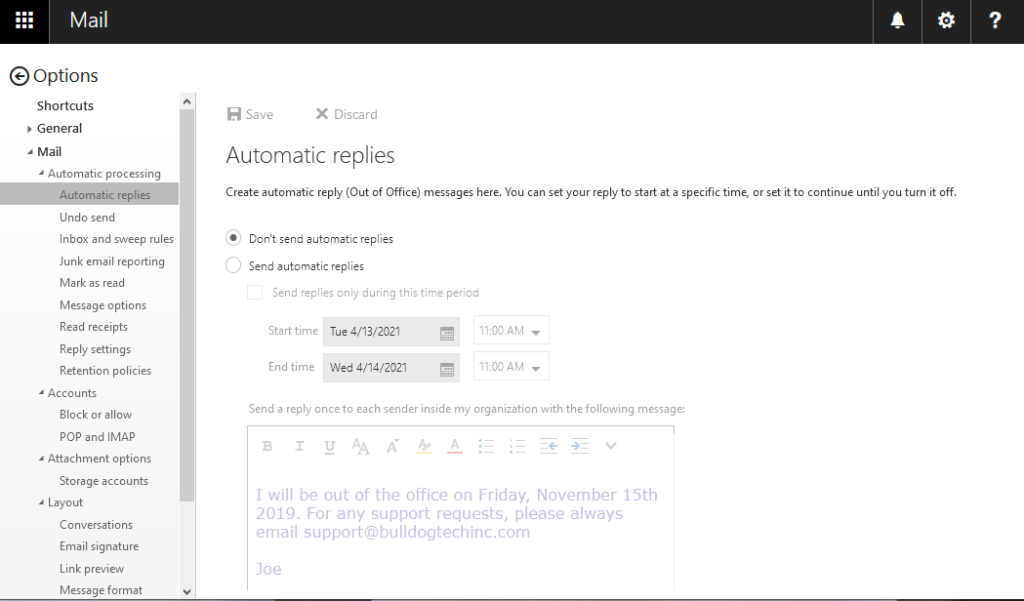
2. Select Automatic Replies
3. Check the box “Send replies only during this time period” and fill in the Start Time and End Time.
4. Fill in the message to be sent out.
5. Scroll down and check the box “Send Automatic Replies messages to senders outside my organization”
6. Re-Enter the auto reply message to be sent out.
7. Click Save

Brooklyn, New York
Job Duties:
Vanguard Systems seeks a Customer services focused individual with a skill set to diagnose and repair pc’s and servers. Prior experience a must. Candidate must have proficiency in computer assembly, windows (all versions), virus removal, diagnostics, Microsoft Office, various printers and their maintenance, network cabling (installing, punch downs testing), Microsoft Servers (installation and maintenance), Active Directory & Quickboooks. Individual will travel to customers providing scheduled maintenance on systems, take in-house technical calls, repair in-house systems and have good attention to detail and perform customer followups while maintaining our management system. We are conveniently located in Bay Ridge, Brooklyn.
Desired Skills and Experience: